How to Instantly Create a Form with the AI Form Creator
The AI Form Creator in MakeForms allows you to create complete, fully structured forms automatically — simply by describing what you need. Whether it’s a job application, registration, or feedback form, the AI handles everything for you.
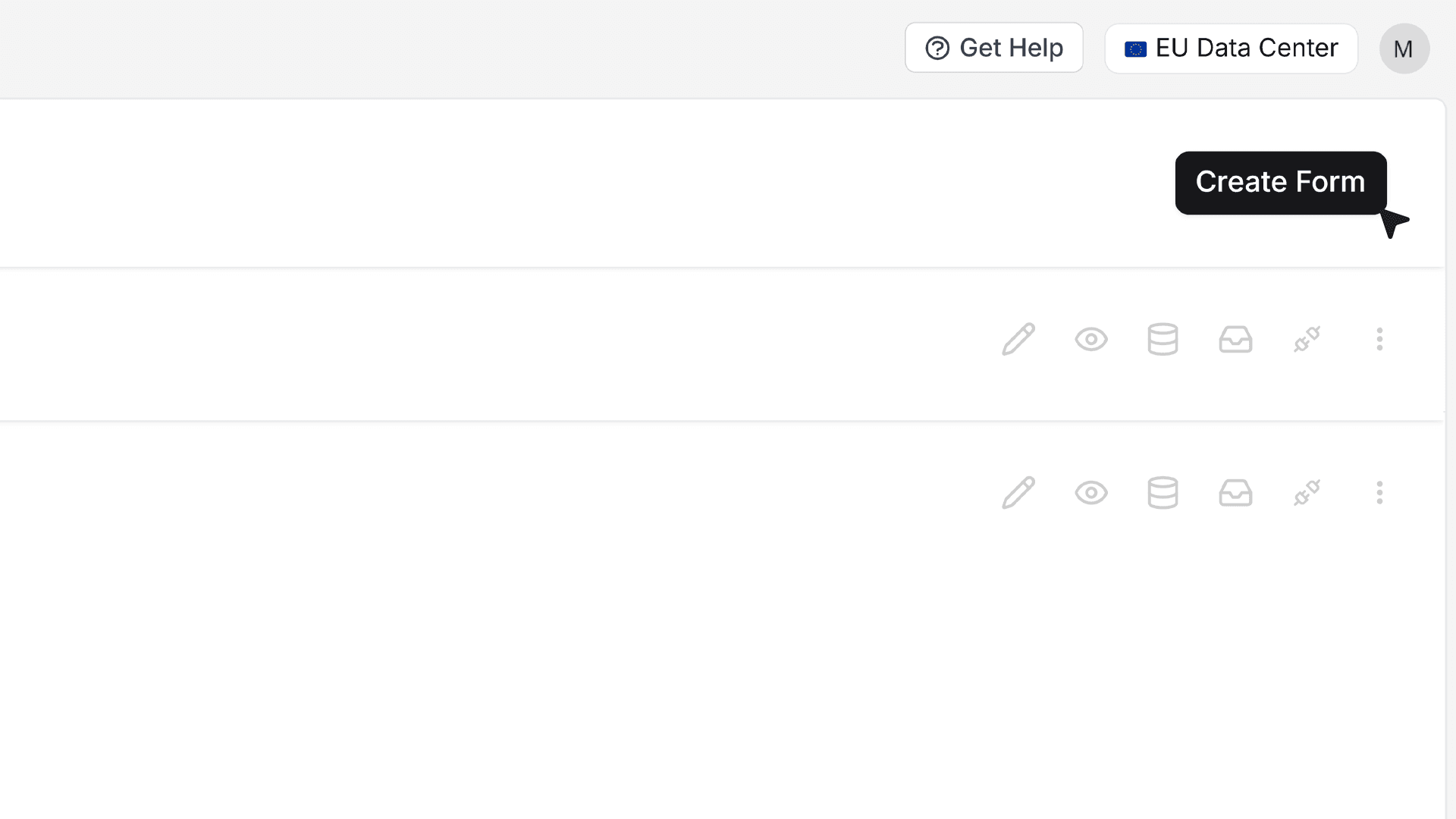
- To begin, go to your workspace and click Create Form.
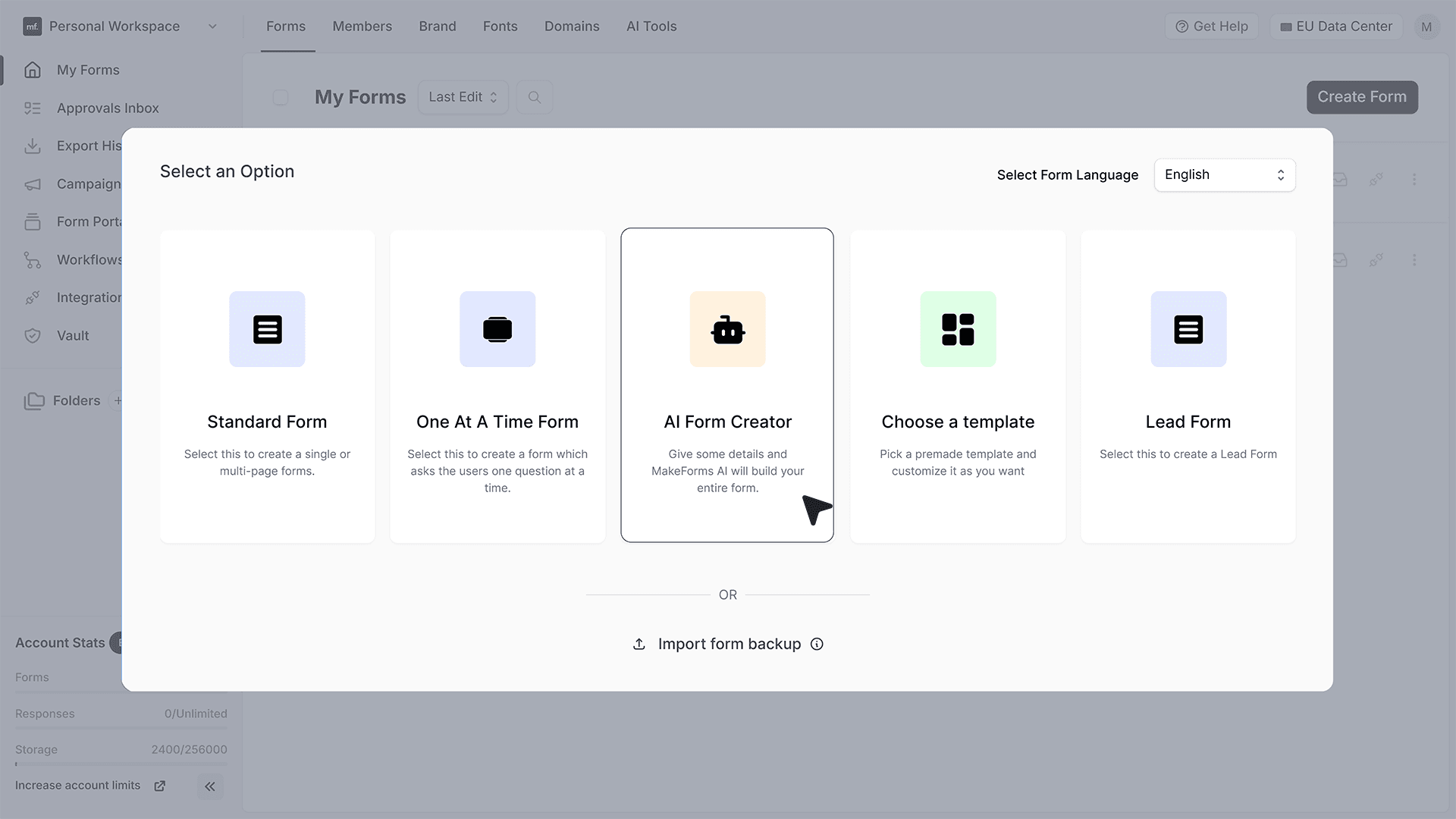
- This will open the form creation window where you can see different ways to start building a form in MakeForms — such as from scratch, using templates, or through AI. From these options, select AI Form Creator.
- In the input field, describe what kind of form you want to create by entering a form name or purpose such as “Job Application Form” or “Feedback Form.” The AI will use this description to automatically generate the relevant fields and structure for your form.
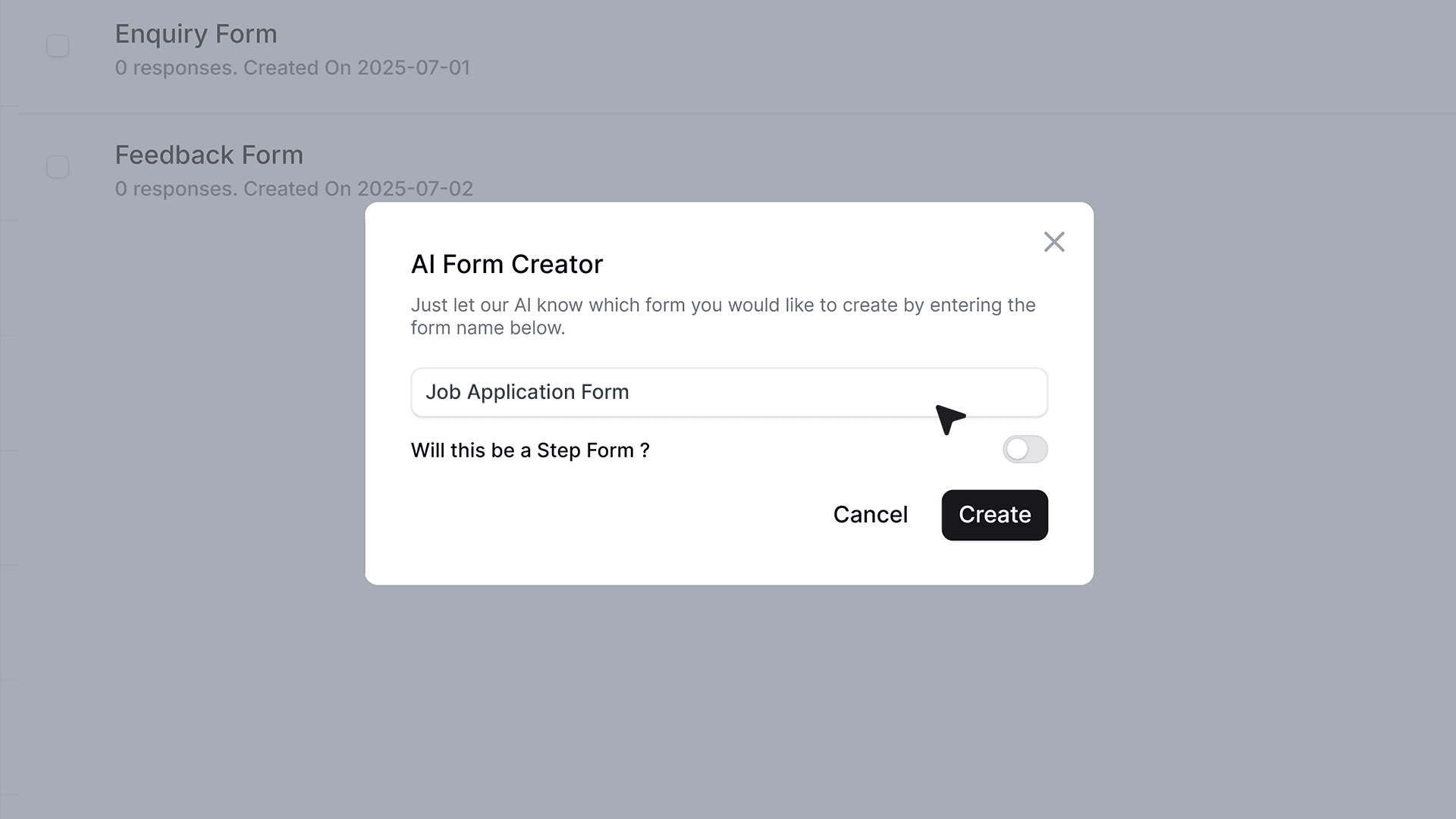
- If you want to organize your form into steps, you can enable the Step Form option by turning on the “Step Form” toggle.
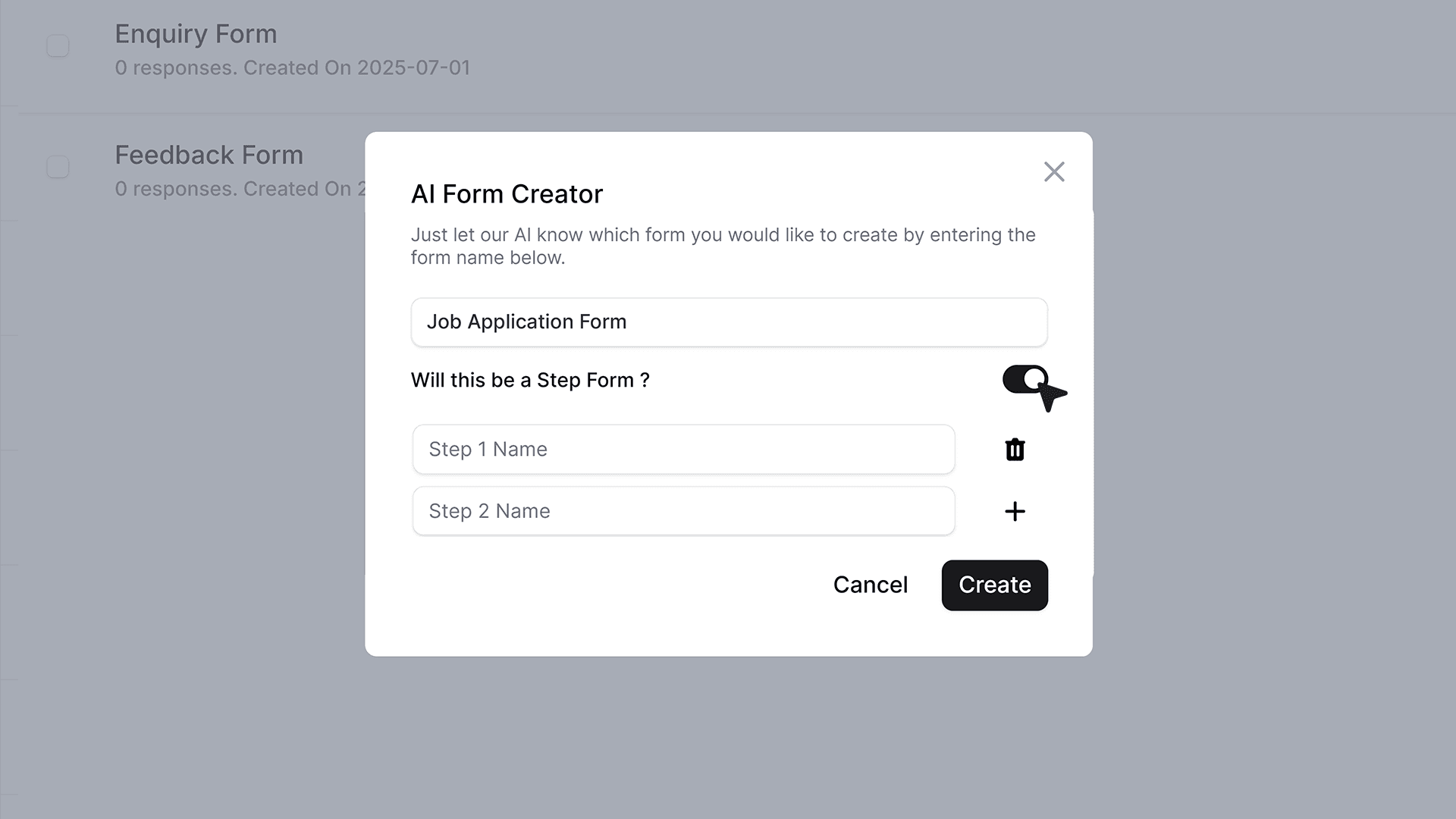
- When enabled, you can define up to five step names, such as Personal Details, Education, Work Experience, or File Uploads. The AI will then generate each section automatically based on your inputs, giving your form a clear, guided flow.
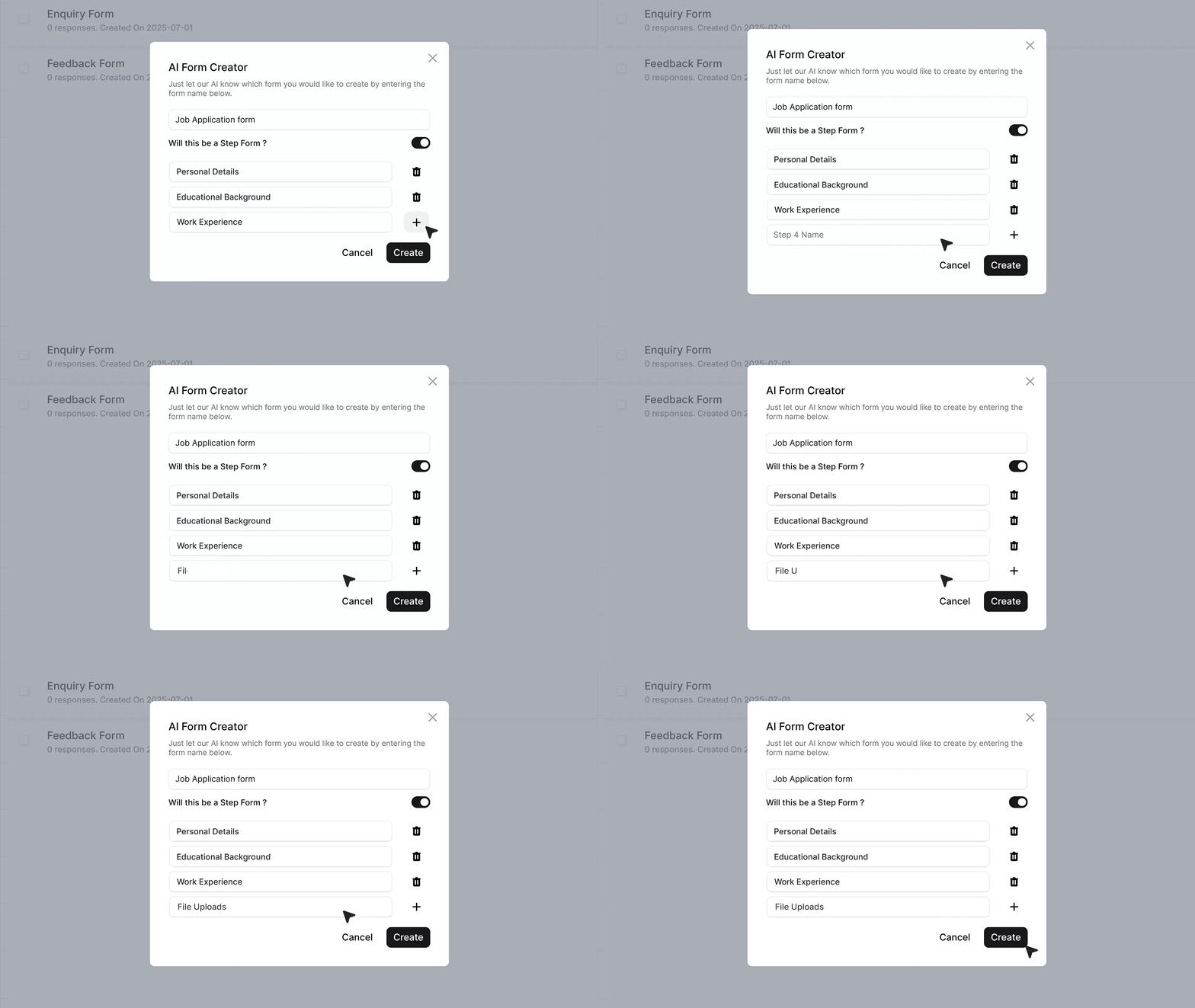
- Once you’re ready, click Create. MakeForms AI will instantly generate a complete form for you with predefined fields, layout, and section structure.
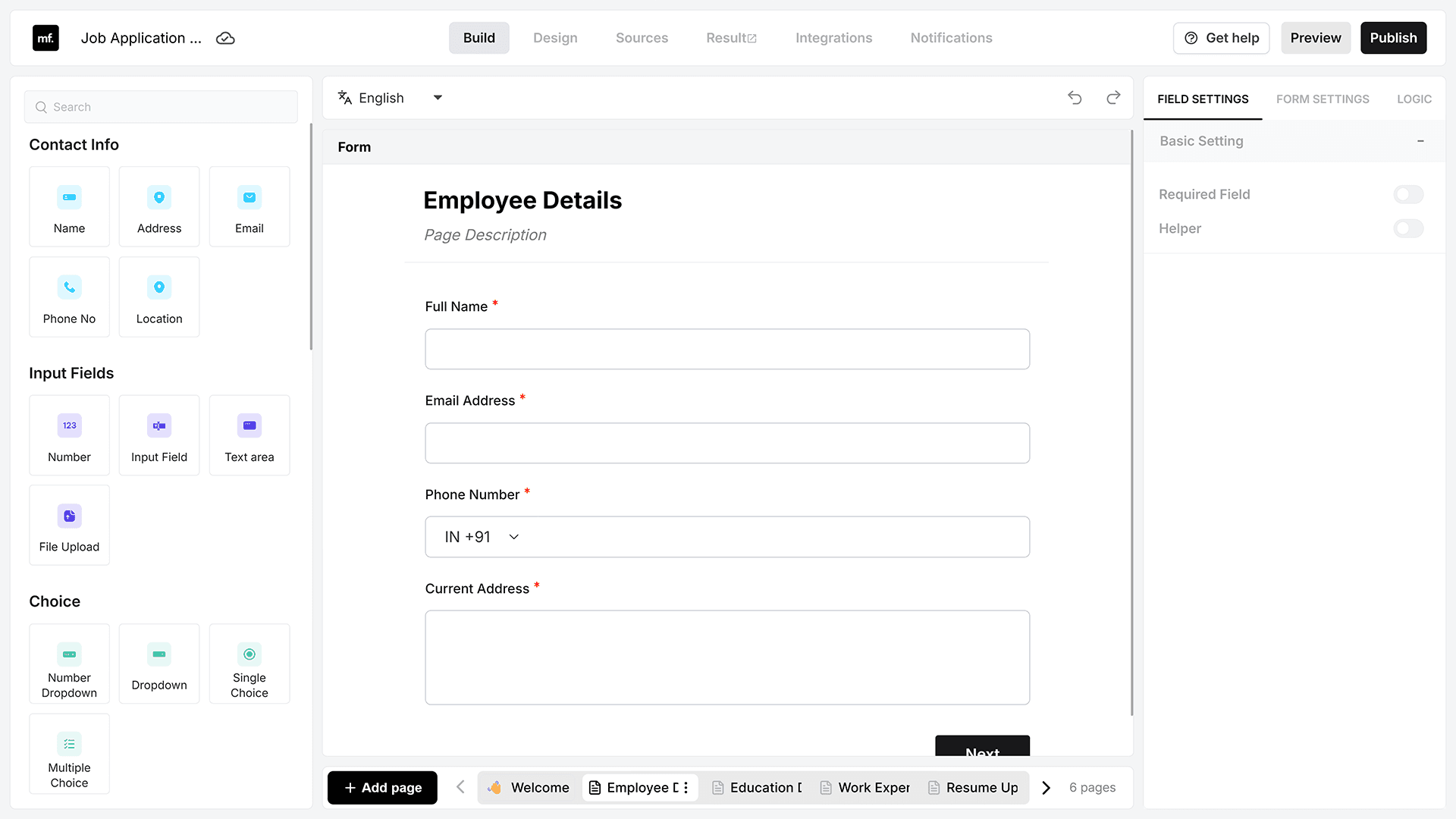
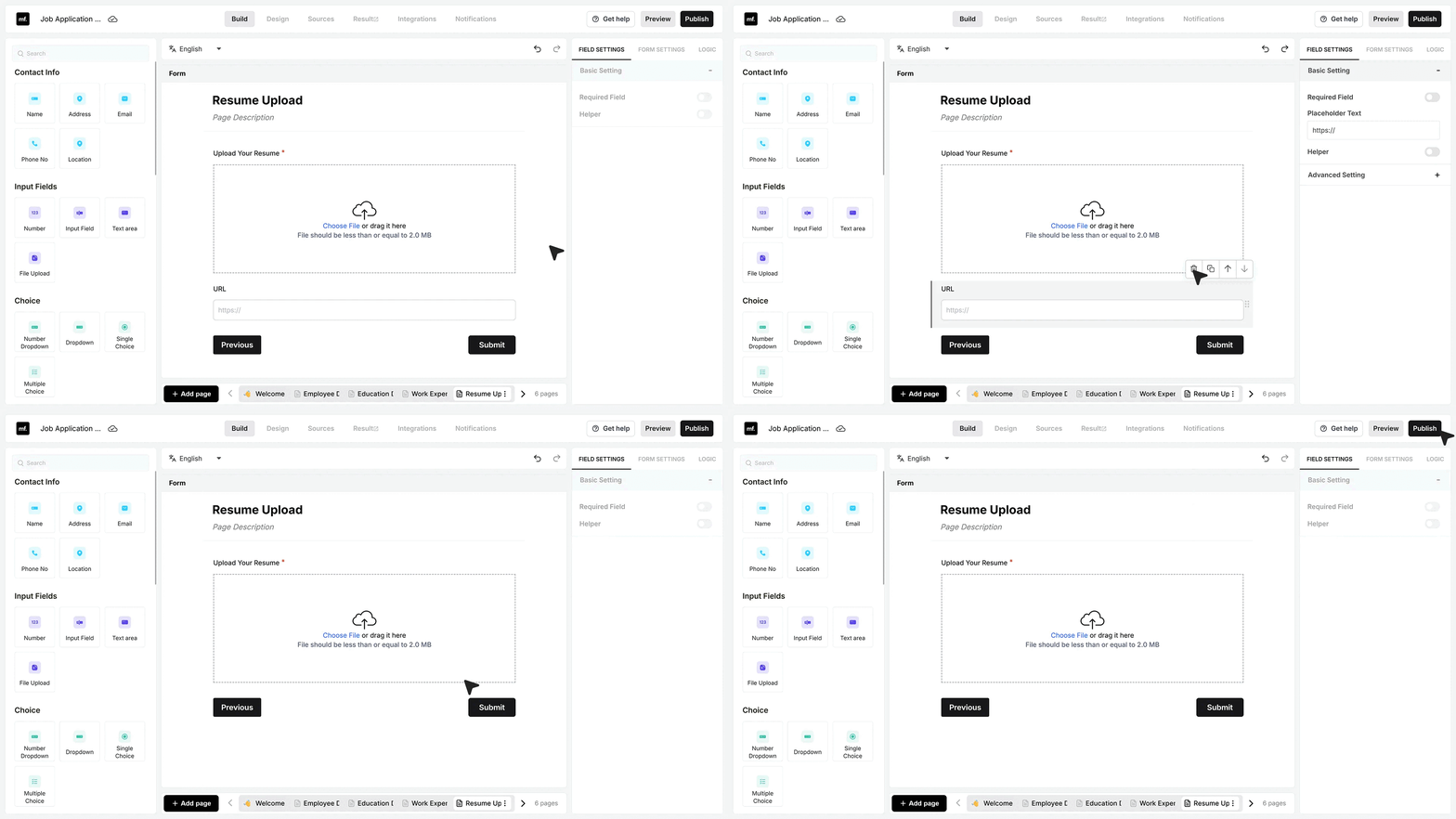
- After your form is generated, you can review and edit it as needed to match your exact requirements. When everything looks good, click Publish, and your form will be ready to share.