
 Form Builder
 OTP Verification Forms
 PDF Forms
 HIPAA Forms
 Lead Generation
 Workflows
 Salesforce forms
 Conditional Logic
 Collaboration
 KYC Forms
 Form Embeds
 Data Residency
 Notifications
 Multi Step Form Builder
Collect HIPAA Compliant Signatures on Any Form
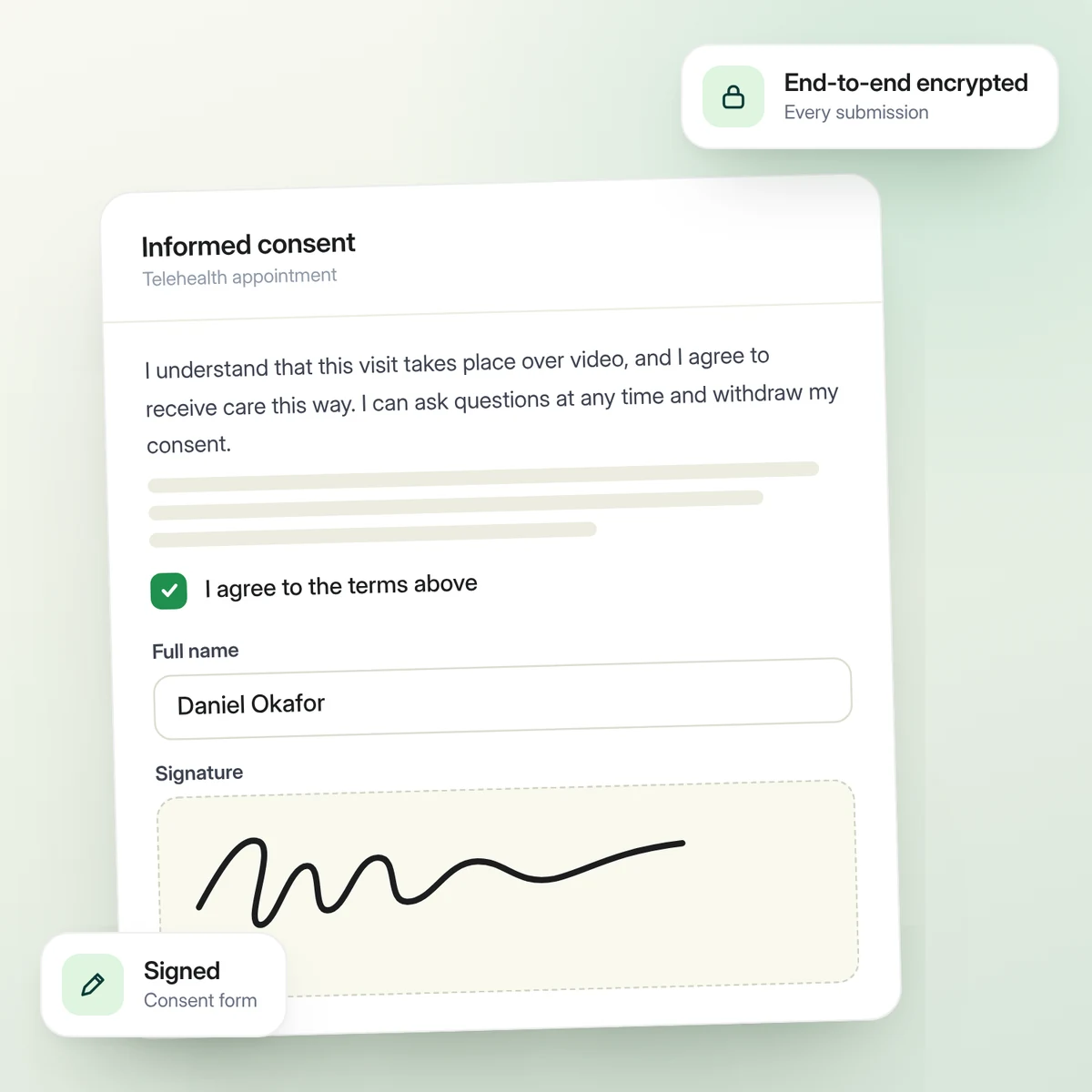
With MakeForms HIPAA-compliant forms, you can let your patients read a consent form, fill in their details online, and then accept their signatures all at once from their phone. Patients do not need to print, sign, scan and fax you the consent forms. Everything happens online and is HIPAA Compliant.
MakeForms signs a business associate agreement and encrypts every signed form and document end to end.









HIPAA Compliant online form signing, built into every form
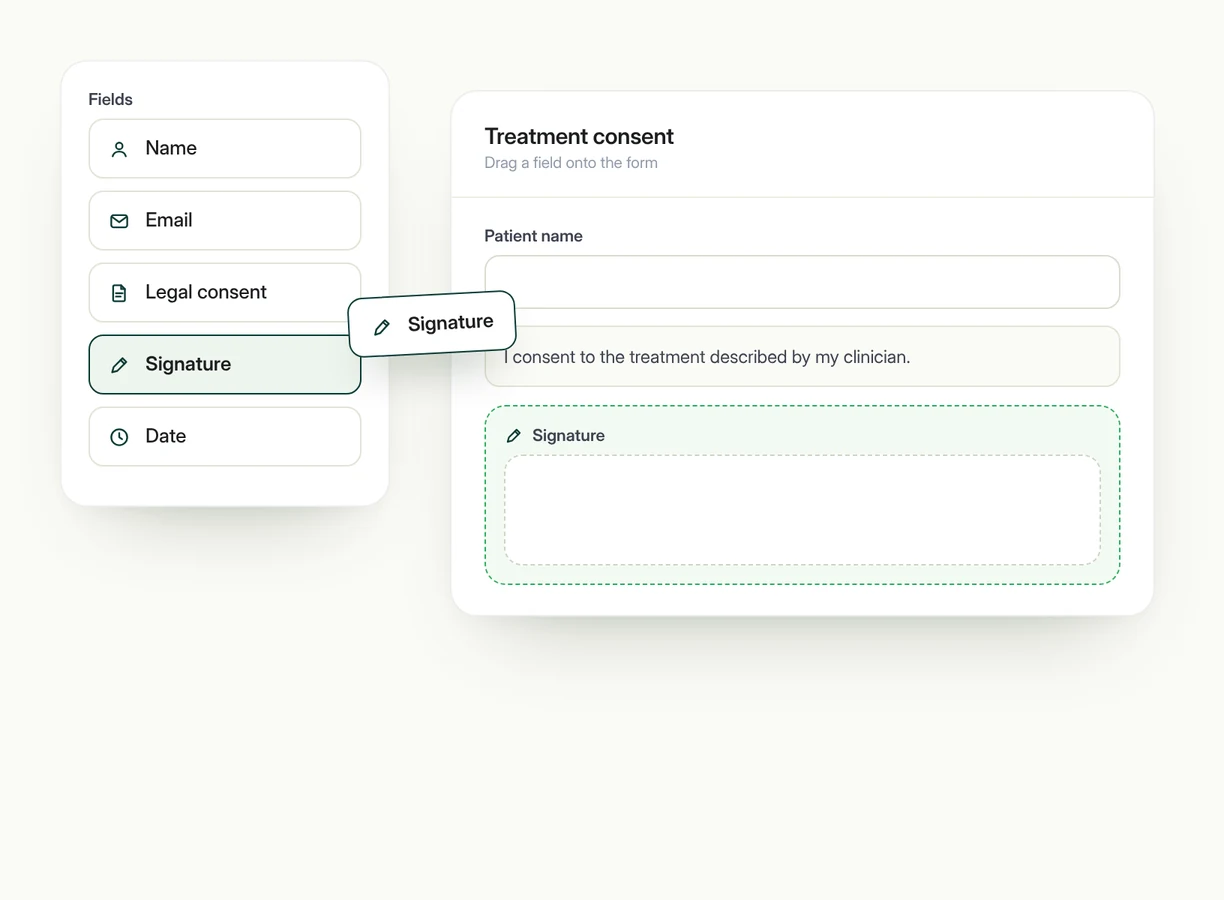
Use the MakeForms drag-and-drop form builder. Drop a signature field on any form, any web, and let your patients sign it while they fill the form. With MakeForms HIPAA-compliant e-signing, you can create :
Treatment consent and informed consent forms
Financial responsibility and payment agreements
Telehealth consent


Use MakeForms' template library or build one from scratch
What a HIPAA digital signature should capture
E-signing or drawing a signature is not where it ends. HIPAA compliant digital signature should also have the following details:

Who signed the document?

When was the document signed?

The document was not changed after signing.

The signed document is stored securely online in HIPAA-compliant storage.
HIPAA compliant document signature software for consent forms and agreements
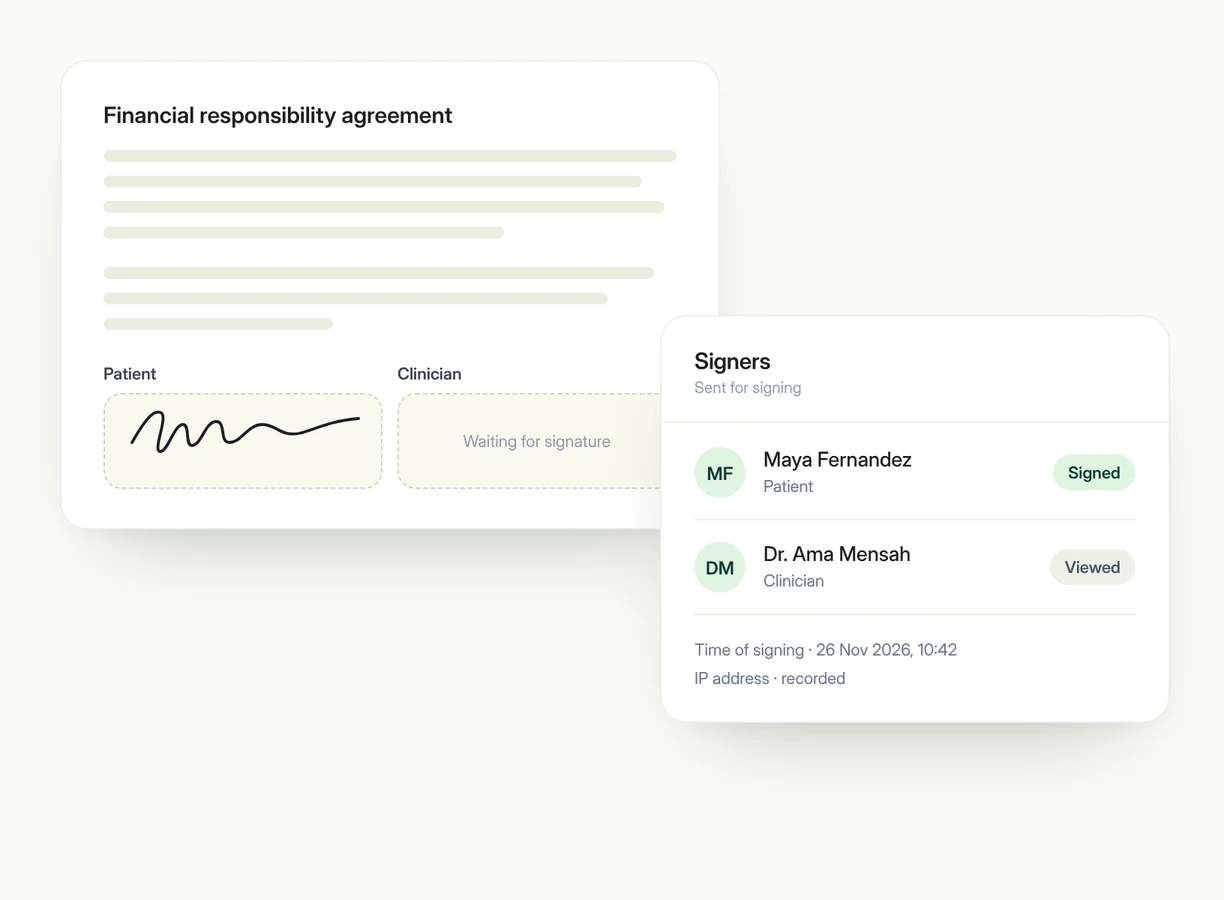
Some documents need more than just a single signature, like multi-party agreements, contracts, and forms that need to be signed both by a patient and a clinician. For this, Makeform offers its own electronic signature software.
You can create or upload your document , add the signature fields,enter the signers' details, and send them for signing. Makeform tracks who has viewed the email, document, signed it, and tracks essential details (like time of signing and IP address) to ensure that every signing session is tracked accurately.
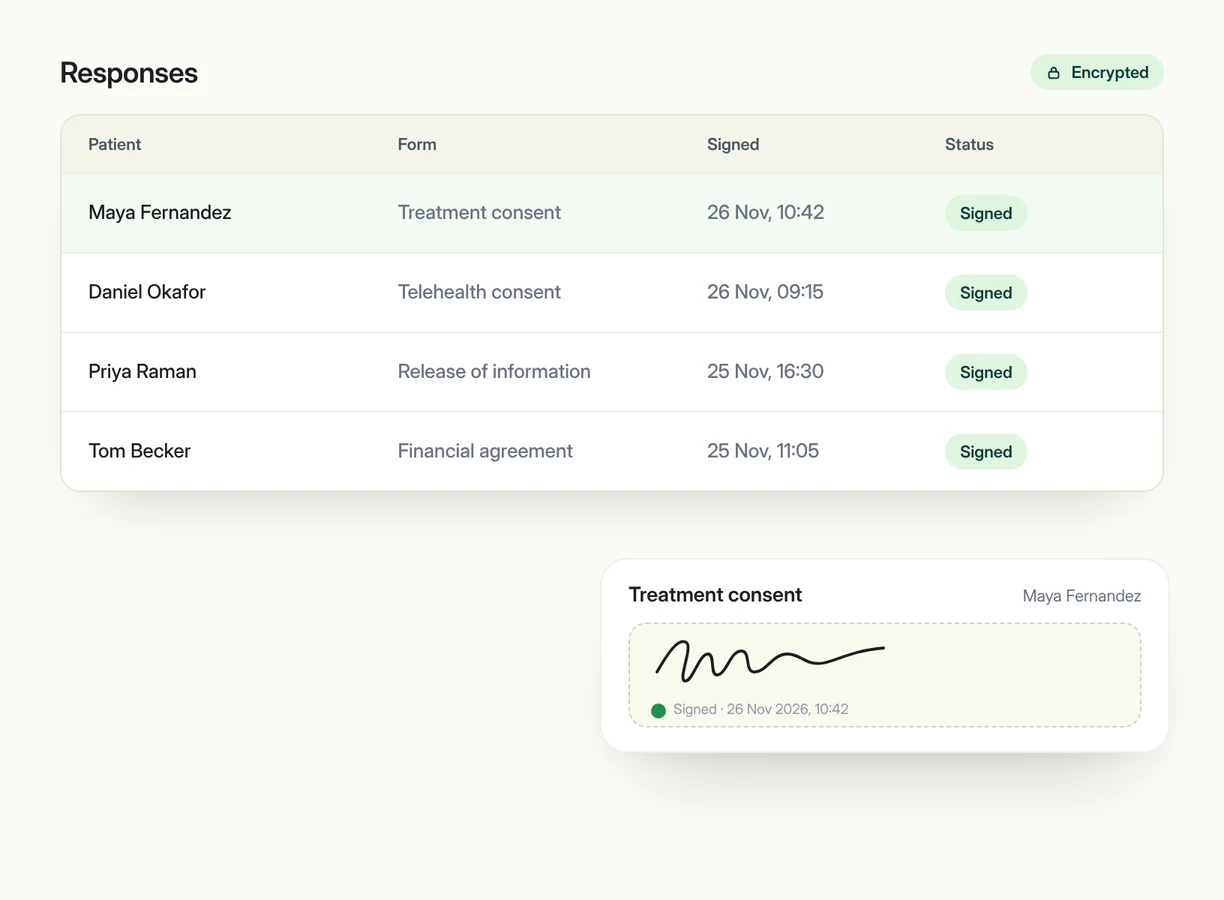
All this data is stored and encrypted at the storage level in HIPAA-compliant infrastructure.
Signed forms stored as per HIPAA policies
Every signed form stays protected after the patient taps sign.
End-to-end encryption
SOC 2 Type 2, ISO 27001 and ISO 27701 certified
Sign your BAA online from the Compliance Center


A big part of why we chose Makeforms was their Canadian data residency. And the fact that they're PHI HIPAA compliant. As healthcare providers, it was really important to us that we follow the rules and regulations that we're held to.
 KarenBusiness Manager, Midwives of Mississauga

Onboarding took under 10 minutes. I was honestly surprised by how intuitive it is. We didn’t need a long training session or a pile of documentation to get going.
 KellyDirector of Corporate Communications, Memic

We needed something simple, and that’s a big reason we chose MakeForms. Security mattered to us too. MakeForms felt more secure than the other platforms we looked at, and being able to keep our data here in Canada was a big plus for us.
 Joel OsborneOM Canada

Rated 4.9 on G2
… combines professional design, strong security, and intelligent automation in one clean platform.
… create and publish professional looking forms in minutes instead of hours.
… the support I was given along the way was awesome.

Start building HIPAA compliant forms
With MakeForms, sign BAA and be HIPAA Compliant within 24 hours