
 Form Builder
 OTP Verification Forms
 PDF Forms
 HIPAA Forms
 Lead Generation
 Workflows
 Salesforce forms
 Conditional Logic
 Collaboration
 KYC Forms
 Form Embeds
 Data Residency
 Notifications
 Multi Step Form Builder
Build HIPAA Compliant Contact Form for your healthcare business
With HIPAA Compliant Contact Forms, let your patients message your practice from your website. Use contact forms for appointment booking, inquiry forms.
Make contact forms hipaa compliant to safeguard any health information sent by patients through a contact form.
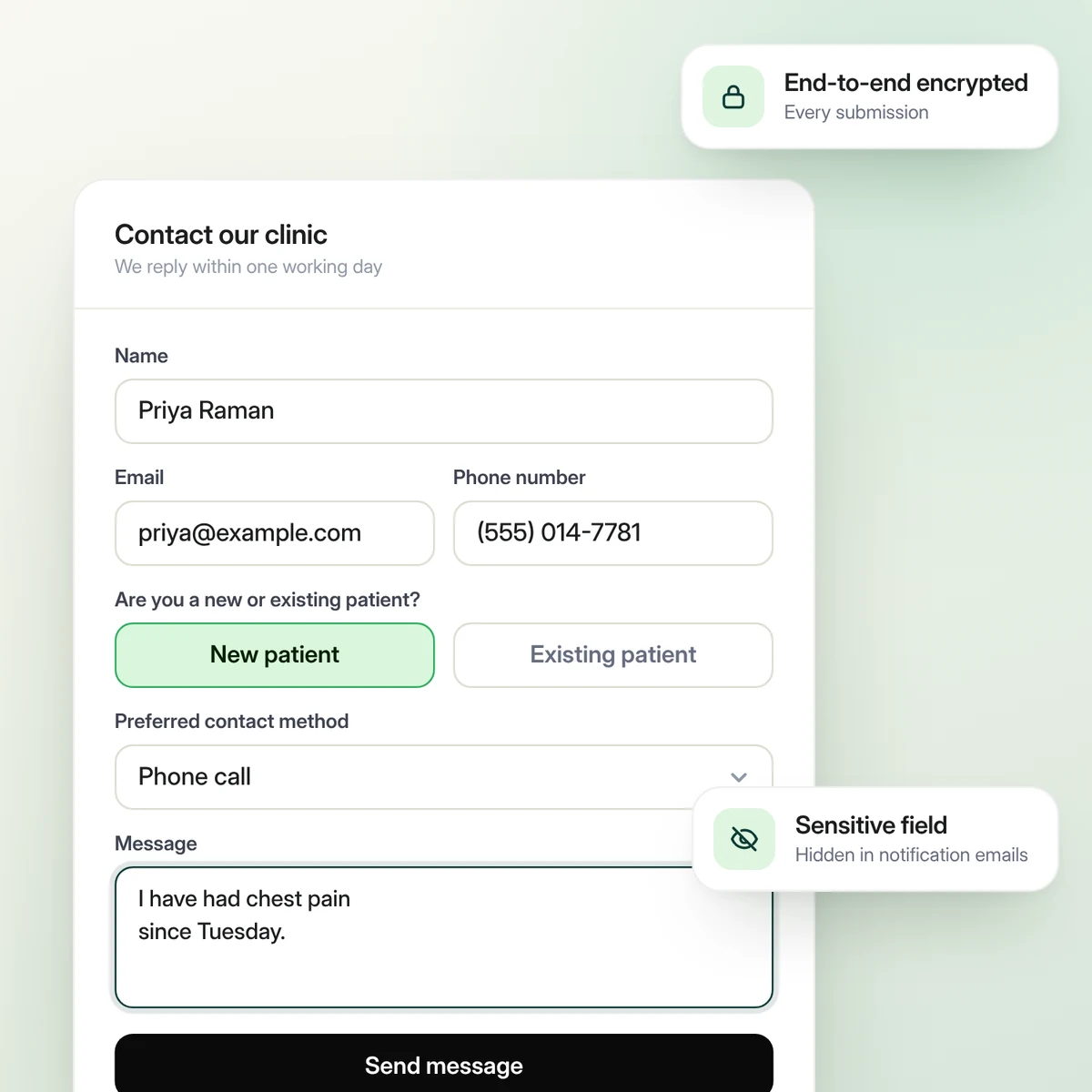









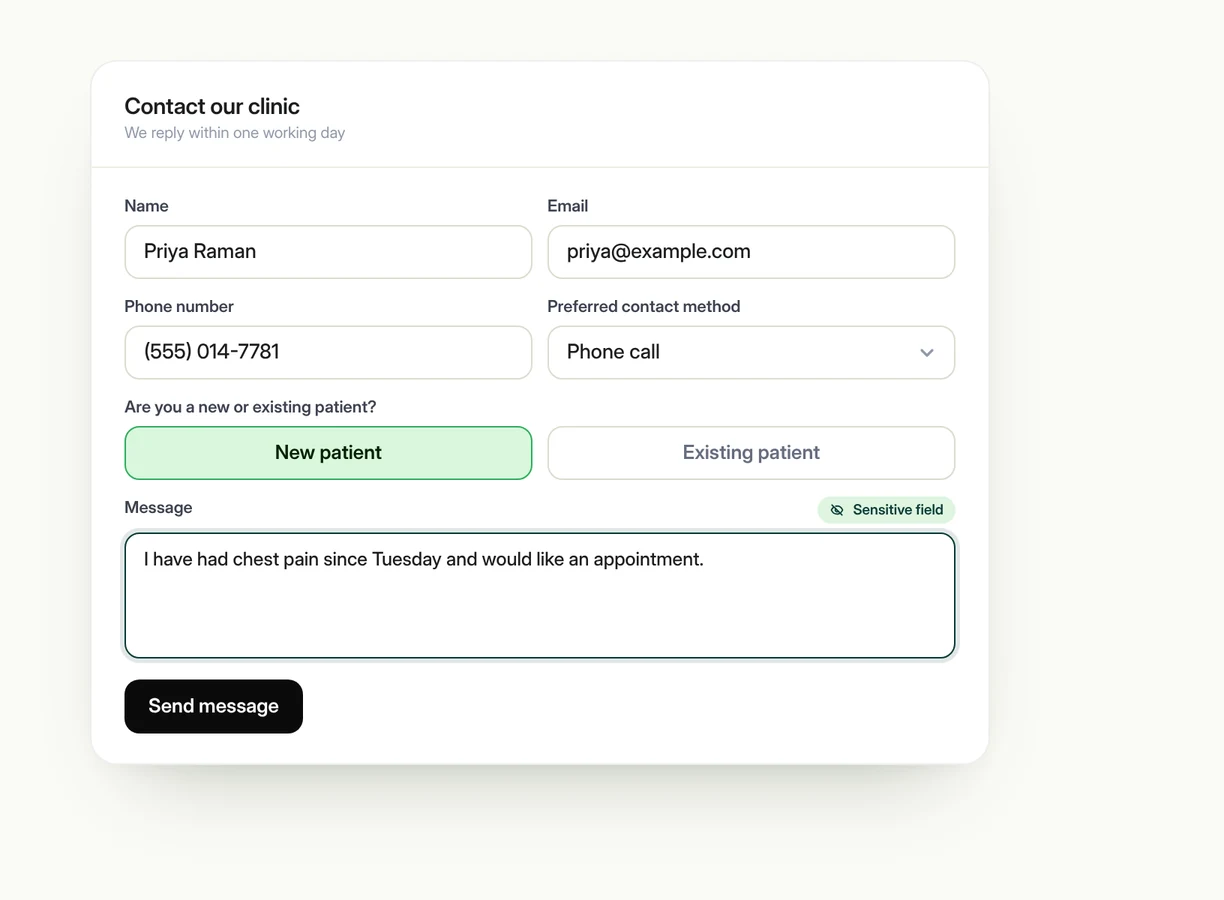
HIPAA-compliant contact form for your clinic and clinics and practices
The HIPAA compliant contact us form asks for what a patient needs, like:
name
email
phone number
whether it is a new patient or an existing patient
preferred contact method
any message, which can be marked as a sensitive field


Once you build this form, you can update your own logo and publish it. It works for clinics, dentists, midwives, and any kind of medical practice where a patient needs to contact the clinic.
Why do you need the contact form to be HIPAA compliant?
Even if your contact form needs basic details, and your instructions may say things like, "Please don't include medical information." At times, they can just write certain sensitive information, like, "I have had chest pain since Tuesday." Anyways, most contact forms and website builders may not be HIPAA compliant, and your vendors can do the following :

Email all the details in plain text to your frontdesk

Store it on your website servers that may be non HIPAA compliant

Pass PHI data through vendors that are not HIPAA compliant
At that point, the contact form is handling personal health information with none of the HIPAA safeguards.
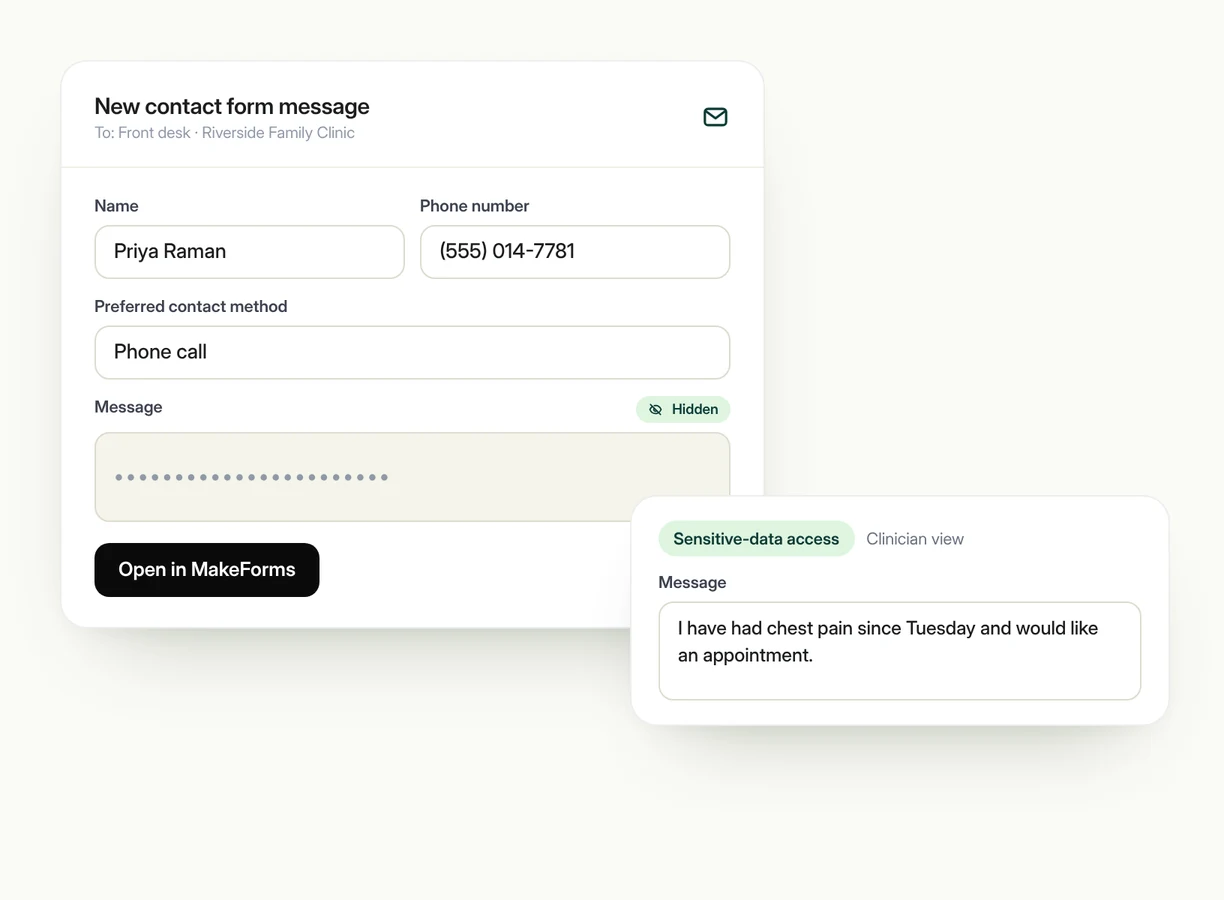
Notification emails from your contact form that hides patient details
Everytime a patient fills out a contact form, you may want to know through an email.
MakeForms' HIPAA-compliant contact form builder allows you to mark any field as sensitive. For example, mark the message field as sensitive. Staff with sensitive data access can see the full message. Everyone else gets the alert with the sensitive parts hidden. The data itself is always:
End-to-end encrypted,
covered by SOC 2 Type 2, ISO, and HIPAA policies.
Ensures that your data is protected as per the sensitive data guidelines.


Build contact forms and embed them on your website
Create a MakeForms account and enable HIPAA compliance by signing a business associate agreement.
Build the contact form using the MakeForms drag-and-drop builder, or ask MakeForms AI to build one for you. Publish.
Publish the form and create an embed script. Copy the script and paste it inside your website. MakeForms HIPAA-compliant contact form works with any WordPress website, Wix, Squarespace, or custom HTML website as well. See HIPAA-compliant WordPress forms for more details.
You need to set it up only once. Any changes made to your form in MakeForms show up automatically on your website. Need more than just contact forms? See HIPAA-compliant web forms.

A big part of why we chose Makeforms was their Canadian data residency. And the fact that they're PHI HIPAA compliant. As healthcare providers, it was really important to us that we follow the rules and regulations that we're held to.
 KarenBusiness Manager, Midwives of Mississauga

Onboarding took under 10 minutes. I was honestly surprised by how intuitive it is. We didn’t need a long training session or a pile of documentation to get going.
 KellyDirector of Corporate Communications, Memic

We needed something simple, and that’s a big reason we chose MakeForms. Security mattered to us too. MakeForms felt more secure than the other platforms we looked at, and being able to keep our data here in Canada was a big plus for us.
 Joel OsborneOM Canada

Rated 4.9 on G2
… combines professional design, strong security, and intelligent automation in one clean platform.
… create and publish professional looking forms in minutes instead of hours.
… the support I was given along the way was awesome.

Start building HIPAA compliant forms
With MakeForms, sign BAA and be HIPAA Compliant within 24 hours